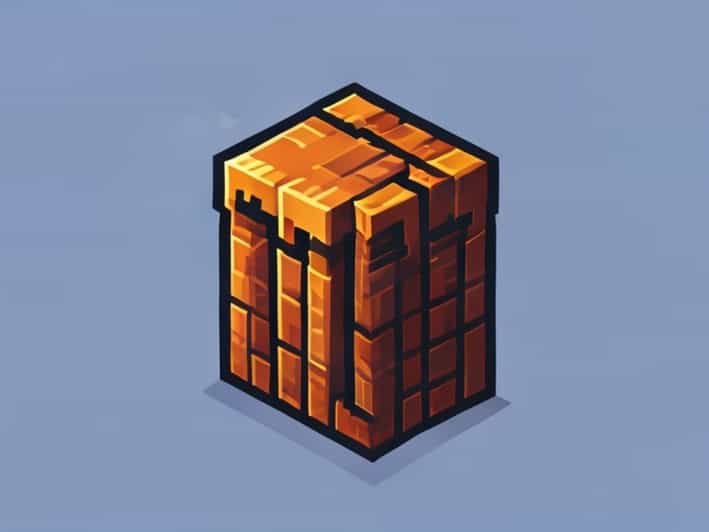
In Minecraft, a hopper is an essential tool for automating item collection, storage, and transportation. Hoppers can transfer items between containers, funnel resources into furnaces, or even feed complex redstone machinery. Learning how to make a hopper is a valuable skill for players who want to streamline their gameplay and create more efficient storage systems. By understanding the materials needed, crafting process, and practical applications, you can enhance your Minecraft experience and build more advanced in-game mechanisms.
What is a Hopper in Minecraft?
A hopper is a block that can collect items from containers above it and transfer them to containers below or beside it. It is often used in conjunction with chests, furnaces, dispensers, and other storage units to automate item management. Hoppers are also integral in creating automated farms, sorting systems, and smelting setups. They work by pulling items from a container above and pushing them into a connected container, making them a crucial component in Minecraft automation.
Key Features of a Hopper
- Transfers items between containers automatically
- Can collect dropped items in the world
- Works with redstone for automation
- Can be rotated to direct items into specific containers
- Compatible with chests, furnaces, droppers, and dispensers
Materials Needed to Make a Hopper
To craft a hopper, you need the following materials
- 5 iron ingots
- 1 chest
Iron ingots are obtained by smelting iron ore in a furnace, while the chest is crafted from wooden planks. Make sure you have enough resources before attempting to craft a hopper, as it requires both iron and wood to create.
Crafting a Chest
Before making a hopper, you need a chest. To craft a chest, follow these steps
- Collect eight wooden planks of any type.
- Open the crafting table interface.
- Place the eight wooden planks around the outer edge of the 3×3 crafting grid, leaving the center empty.
- Drag the chest into your inventory.
Now that you have a chest, you can use it along with iron ingots to craft the hopper.
How to Craft a Hopper
Once you have gathered 5 iron ingots and a chest, you can craft a hopper using a crafting table. Follow these steps
Step-by-Step Crafting Process
- Open the crafting table interface to access the 3×3 crafting grid.
- Place the chest in the center square of the grid.
- Place three iron ingots in a V shape at the bottom row, filling the left, center, and right squares.
- Place the remaining two iron ingots in the top-left and top-right corners of the grid.
- Once the pattern is complete, the hopper will appear in the result box. Drag it into your inventory.
This crafting pattern ensures that the hopper is created correctly, and once in your inventory, it is ready to be placed and used in your world.
Placing and Using a Hopper
After crafting a hopper, placing it correctly is essential to ensure it functions as intended. A hopper can be placed on the ground or attached to a container. When placing a hopper, it will automatically point towards the nearest container below or in front of it. You can also manually direct the hopper by crouching while placing it, which allows you to control the direction items will flow.
Connecting Hoppers to Other Containers
Hoppers work best when connected to chests, furnaces, or other storage units. Place the hopper so that its output points into the container where you want items to go. Once connected, any items placed in the hopper will automatically transfer to the connected container, making it ideal for automating smelting, sorting, or item collection.
Automating Item Transfer
Hoppers are powerful tools for automation. You can create systems where items collected from farms, mob drops, or mining operations are automatically funneled into storage. Combine hoppers with redstone to create complex sorting systems that organize items by type or automatically feed furnaces for smelting large quantities of materials. This allows you to save time and reduce the manual effort needed to manage resources in Minecraft.
Practical Applications of Hoppers
Hoppers have a wide range of uses in Minecraft. Some common applications include
Automated Farms
Use hoppers to collect crops, animal drops, or fish automatically. Connect hoppers to chests to store collected items without manual intervention.
Smelting Systems
Feed furnaces with materials using hoppers to automate smelting operations. This is especially useful when processing ores or cooking food in bulk.
Item Sorting
Combine multiple hoppers and redstone to sort items into different chests based on type. This is useful for organizing large inventories in survival mode or storage rooms.
Mob Farms
Hoppers can collect drops from mobs automatically, funneling items into chests for easy collection. This improves efficiency in farming resources like bones, arrows, or gunpowder.
Tips for Efficient Hopper Use
- Ensure hoppers are pointing in the correct direction to avoid losing items.
- Use multiple hoppers in series to move items over long distances.
- Combine with redstone comparators to monitor item flow or create automated systems.
- Keep hoppers accessible for maintenance and clearing blockages.
- Use trapped chests with hoppers to create advanced sorting and storage solutions.
Making a hopper in Minecraft is a straightforward process, but understanding how to use it effectively can greatly enhance your gameplay. By crafting a hopper with five iron ingots and a chest, placing it correctly, and connecting it to other containers, you can automate item collection, storage, and transfer. Hoppers are essential for creating efficient farms, smelting systems, and organized inventories, making them a valuable tool for any player. Mastering the use of hoppers allows you to save time, improve resource management, and build more complex and functional Minecraft worlds.